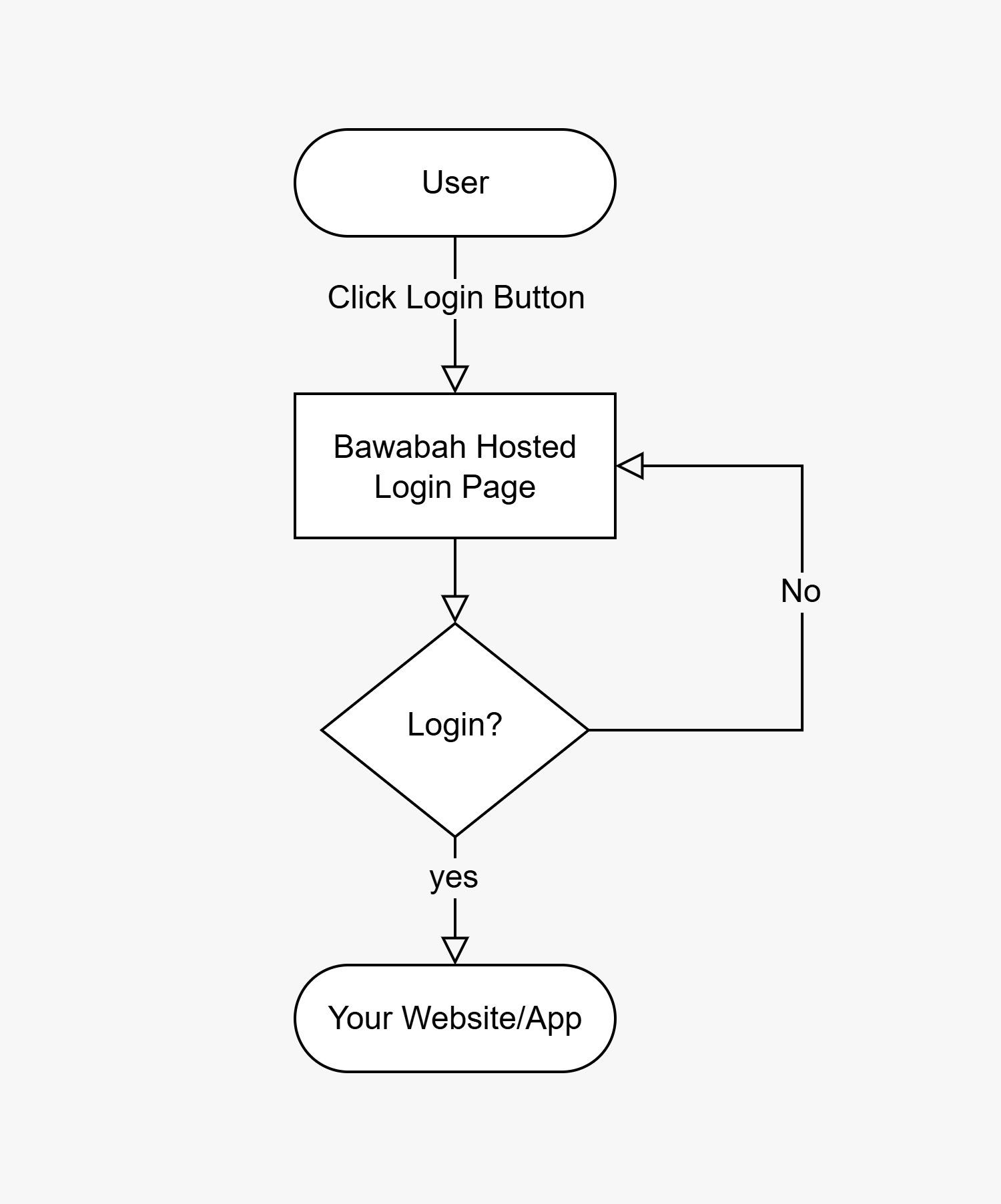
Hosted Login Flow
Setup Hosted Login
Edit the URL below to access your login hosted page:ReplaceWhen users click the login button on your website, they are redirected to the hosted login page URL. After completing the login process, they will be redirected back to your website via the callback URL, which includes a{your-app-id}with your appId and{your-callback-url}with your callback URL From Create Your First App Step.
sessionId query parameter for the user session to capture.
For Example:If your appId is
4y83w4f And your callback URL is https://mywebsite.com/login/callback Then the hosted login URL will be https://bawabah.app/login?appId=4y83w4f&callbackUrl=https://mywebsite.com/login/callback&fullscreen=true
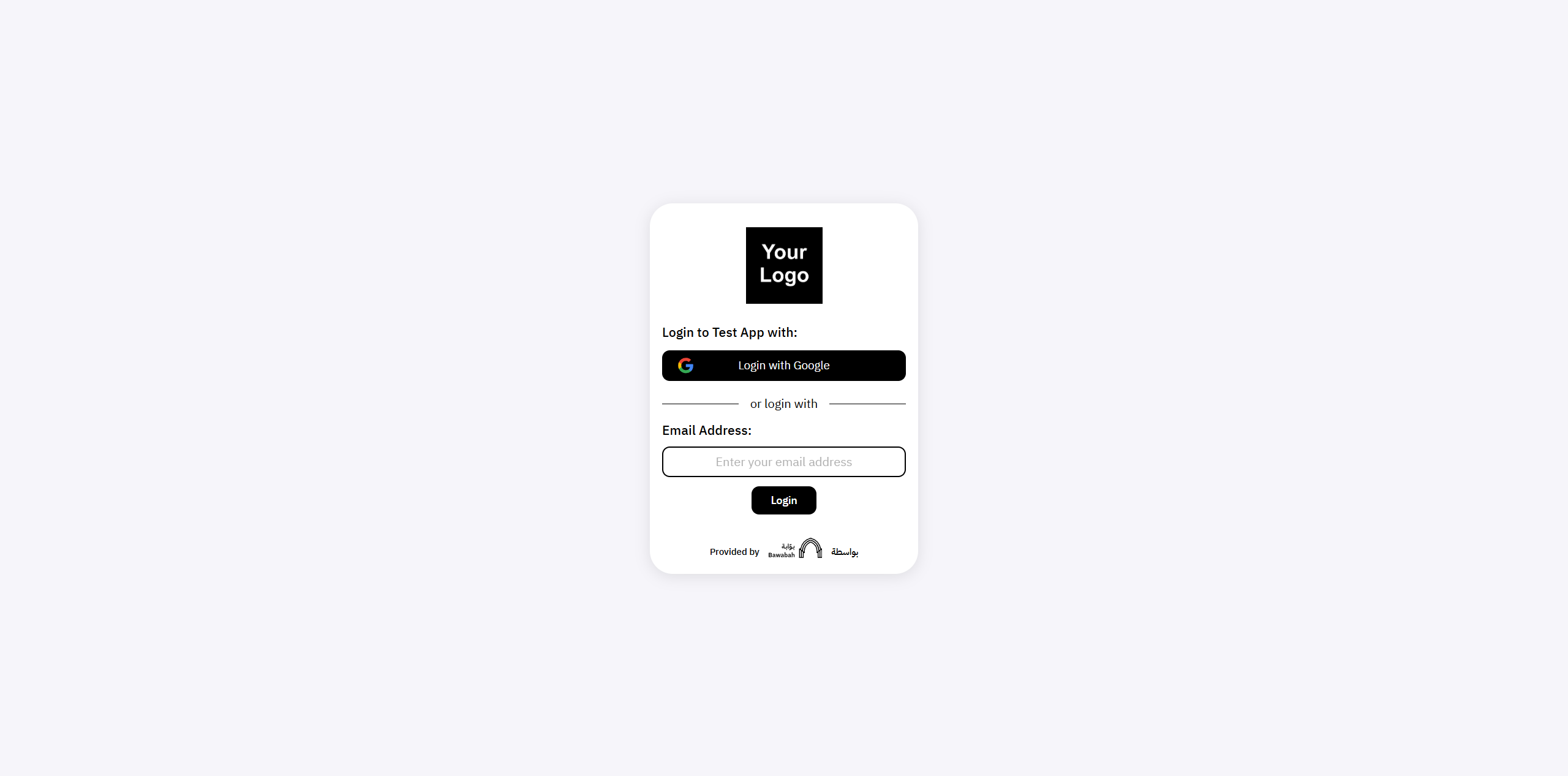
And this is what your users will see when they visit your hosted login page: