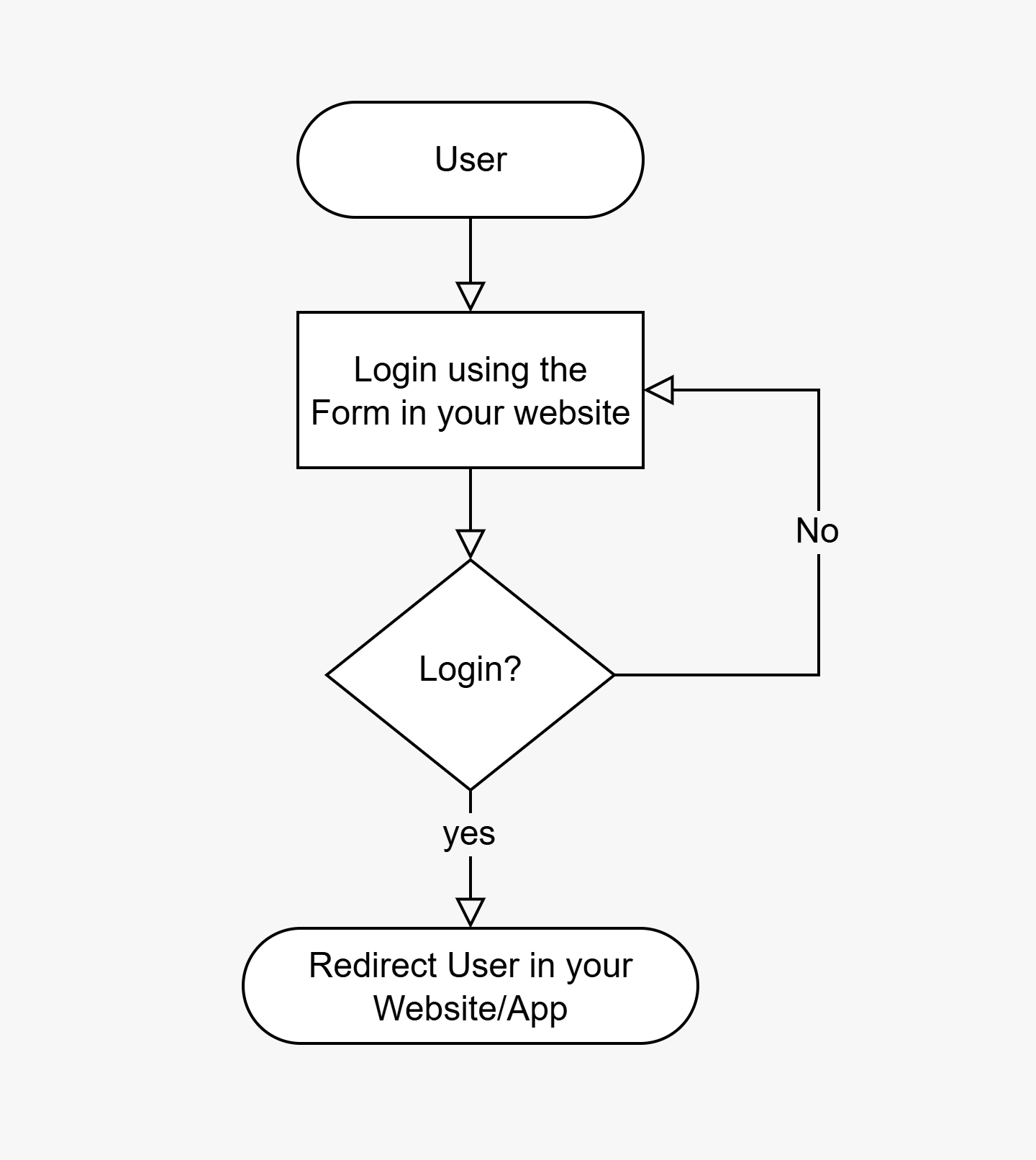
Form Login Flow

Bawabah Form Login Flow En Pn

Setup Form Login

  1. Prepare your Login Page:
    <!DOCTYPE html>
    <html lang="ar">
    <head>
      <meta charset="UTF-8">
      <title>My Project</title>
    </head>
    <body>
      <h1>Welcome to my Website</h1>
    </body>
    </html>
    
  2. Add a Placeholder element where you want your Form to be inserted and give it a unique id:
    <div id="login-form"></div>
    
  3. Add this snippet to your HTML code:
      <script src="https://bawabah.app/app/login-form.js"></script>
      <script>
        startBawabah({
          element:"{placeholder-element-id}",
          appId: "{your-app-id}",
          callbackUrl: "{your-callback-url}"
        })
      </script>
    
    Replace {your-app-id} with your appId and {your-callback-url} with your callback URL From Create Your First App Step. and raplace {placeholder-element-id} with your placeholder element id from the HTML element configured on the previous step.
  4. Final Code:
    <!DOCTYPE html>
    <html lang="ar">
    <head>
      <meta charset="UTF-8">
      <title>My Project</title>
      <style>
        body{
          display: flex;
          justify-content: center;
          align-items: center;
          min-height: 100svh;
        }
    
        h1{
          width: 100%;
          text-align: center;
        }
      </style>
    </head>
    <body>
      	<h1>Welcome to my Website</h1>
    	<div id="login-form"></div>
    
      <script src="https://bawabah.app/app/login-form.js"></script>
      <script>
        startBawabah({
          element:"login-form",
          appId: "{your-app-id}",
          callbackUrl: "{your-callback-url}"
        })
      </script>
    </body>
    </html>
    

Form Parameters

These are the parameters that can be used in startBawabah() function.
element
string
required
Specify the element where you want the login form to be inserted.
appId
string
required
Your appId from Create Your First App Step.
callbackUrl
string
required
Your callback URL from Create Your First App Step.
width
number
Specify the width of the login form in pixels - Leave it empty for auto width.
height
number
Specify the height of the login form in pixels - Leave it empty for auto height.

Design & Customization

Your hosted login page can be customized further using CSS, Learn more in Customization.